
Interim payments
The interim payments module turns site progress into cash. Applications are tied to the inspections that support them, an invoice can only be raised from a payment certificate, advance recovery and retention come from the project's own terms, and each invoice posts to the ledger with the correct 5% VAT in the same step.
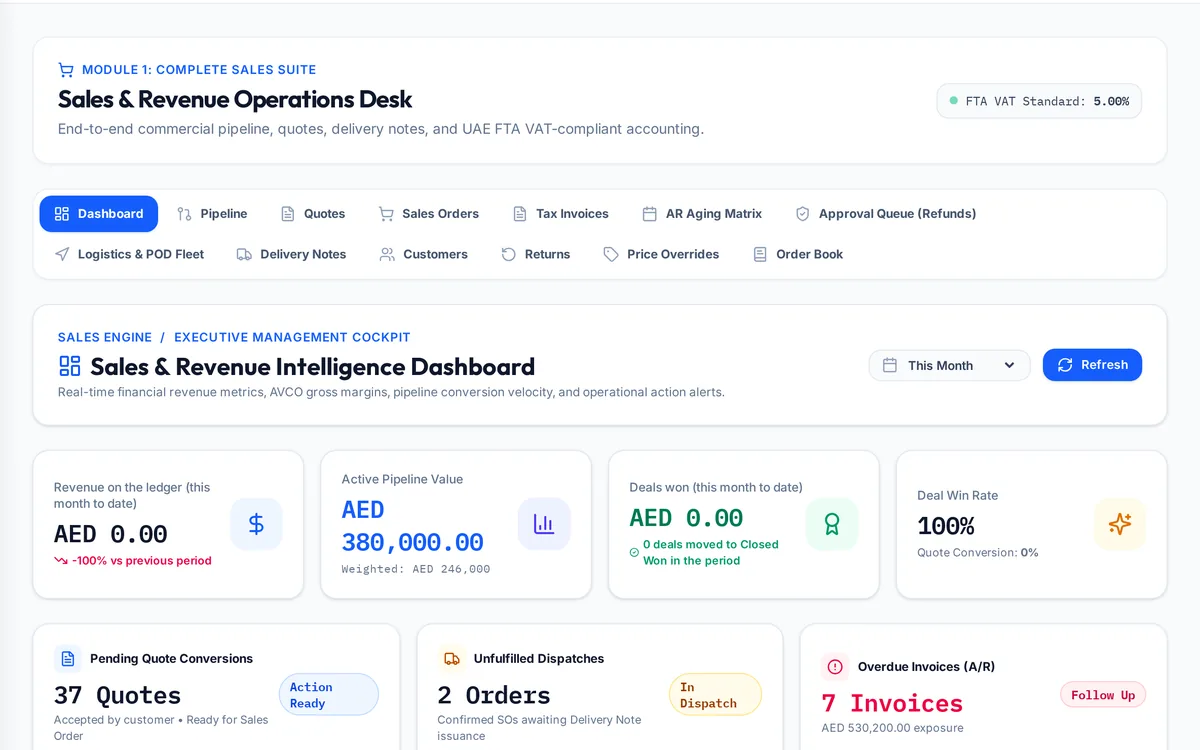
What it handles
| Feature | What it does |
|---|---|
| Applications | Claims for work and materials on site, tied to inspections |
| Payment certificates | The certified amount that unlocks invoicing |
| Progress invoices | 5% VAT on certified value less advance recovery |
| Advance recovery | Per certificate, capped at what is outstanding, VAT reversed |
| Retention | Held per certificate, released in two tranches |
| Guarantees | Advance and performance guarantees tracked as memorandum items |
| Order book and AR ageing | What is contracted, invoiced and still owed |
How a typical month runs
At the end of the period the commercial team prepares the application, citing the inspections that support each item. The consultant certifies the agreed amount, and only then can the invoice be raised. The invoice takes the certified value, deducts the share of the advance being recovered under the project's terms, adds 5% VAT and posts to the ledger in the same step. Retention is held from the payment and added to the project's retention balance. When the job reaches handover and later the end of the defects period, each retention tranche is applied for, certified and invoiced on its own, and the order book and receivables ageing show what is still to come in.
Rules it enforces
- No certificate, no invoice.
- A project that received an advance but has no recovery rate cannot be invoiced until the rate is recorded.
- The retention VAT treatment locks after the first progress invoice posts.
Where it connects
Read the interim payments guide and use the payment certificate calculator and retention calculator. It shares its records with the other areas: projects and tenders, supply and logistics, site stores, quality and handover, approvals, payroll and wps, time and attendance, finance and vat, banking and budgets, assets and documents. See the construction ERP overview or book a demo.
Questions people ask
Who uses this part of SupaJack Construct?
Mostly the commercial team and finance, each seeing only what their role allows. Managers also see its figures in the project and dashboard views, so nobody keeps a separate copy.
What does it replace?
Usually a spreadsheet or a separate tool kept beside the accounts. Because it shares records with the rest of SupaJack Construct, its figures and the ledger cannot drift apart.
Can I invoice the claimed amount?
No. Invoices come from the certified amount.
How is retention VAT handled?
Either on the full certified value or deferred to the release invoice, chosen once per company.
Is it a separate product?
No. It is part of SupaJack Construct and shares its records with every other area.
Does it work on a phone?
Yes, in any browser, with nothing to install.
Can access be limited by role?
Yes. Admins decide what each role can see and do.
How is it priced?
By quote, based on company size and the modules you use.