
Quality and handover
The quality and handover module holds the evidence behind every claim: submittals for approval, material inspection reports when material reaches site, work inspection reports when work is complete, and the sales handover that passes a won job to delivery. Each report carries its required attachments and its revisions.
What it handles
| Feature | What it does |
|---|---|
| Submittals | Material, pre-qualification and contract submittals compulsory; sampling and drawing optional |
| Material inspection report | Needs the MIR form, signed delivery note, material approval and site photos |
| Work inspection report | Needs the WIR form, marked-up drawing and site photos |
| Revisions | Each rejected and resubmitted report kept as its own record |
| Sales handover | Everything delivery needs to start the job |
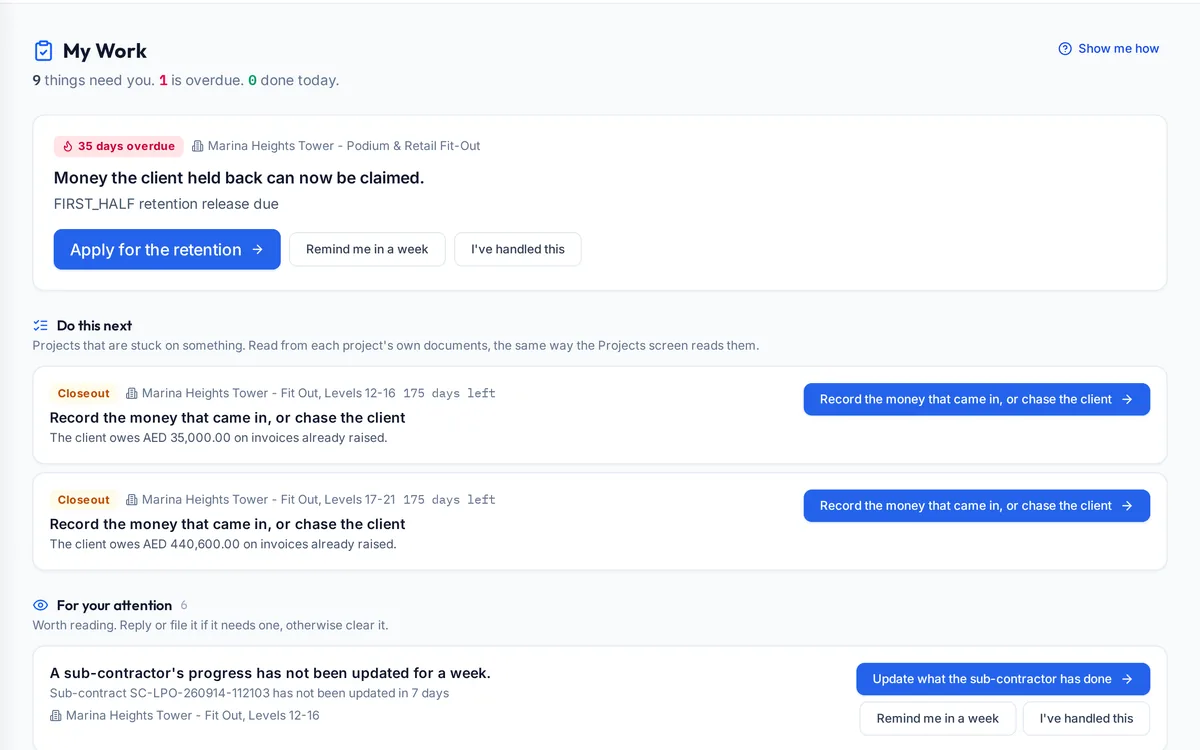
| My Work | Each person's list of what is waiting on them |
How a typical month runs
Before ordering, the team sends the material and pre-qualification submittals for the consultant's approval. When material arrives, the site team raises a material inspection report with the form, signed delivery note, approval and photos; when a section of work is finished they raise a work inspection report with its marked-up drawing and photos. If the consultant rejects one, it is revised and resubmitted, and both versions stay on record. Each accepted report states the percentage delivered or completed, which the next payment application claims, and each person's My Work list shows which reports and actions are waiting on them.
Rules it enforces
- An MIR or WIR cannot be raised until its required attachments are present.
- Reports are claimed by percentage delivered or complete, which the payment application then applies.
- Revisions are kept, never overwritten.
Where it connects
Read the document control guide and the meaning of submittal, MIR and WIR. It shares its records with the other areas: projects and tenders, supply and logistics, site stores, interim payments, approvals, payroll and wps, time and attendance, finance and vat, banking and budgets, assets and documents. See the construction ERP overview or book a demo.
Questions people ask
Who uses this part of SupaJack Construct?
Mostly site engineers and the quality team, each seeing only what their role allows. Managers also see its figures in the project and dashboard views, so nobody keeps a separate copy.
What does it replace?
Usually a spreadsheet or a separate tool kept beside the accounts. Because it shares records with the rest of SupaJack Construct, its figures and the ledger cannot drift apart.
Which submittals are required?
Material, pre-qualification and contract submittals; sampling and drawing are optional.
How do inspections link to payment?
The payment application cites the inspection and claims the same percentage.
Is it a separate product?
No. It is part of SupaJack Construct and shares its records with every other area.
Does it work on a phone?
Yes, in any browser, with nothing to install.
Can access be limited by role?
Yes. Admins decide what each role can see and do.
How is it priced?
By quote, based on company size and the modules you use.